Website Migration Without Losing SEO: Safe Guide 2025
By Aamer Yousuf | December 5, 2025 | 18 min read
Moving your website can feel like performing surgery on a living organism. One wrong move, and you could lose years of hard-earned search rankings, organic traffic, and revenue. I’ve seen businesses lose up to 60% of their traffic after a poorly executed migration—and trust me, it’s not something you want to experience.
But here’s the good news: achieving website migration without losing SEO is entirely possible when you follow the right process. Whether you’re switching hosting providers, redesigning your site, changing your domain, or moving to a new CMS, this comprehensive guide will walk you through every step to ensure your SEO remains intact—or even improves. When done correctly, website migration without losing SEO becomes a strategic advantage rather than a risk.
Table of Contents
What is Website Migration Without Losing SEO and Why Does It Matter?
Website migration refers to any substantial change to your website’s setup that could impact its search visibility. This includes moving to a new domain, changing your site structure, switching hosting providers, or redesigning your entire website.
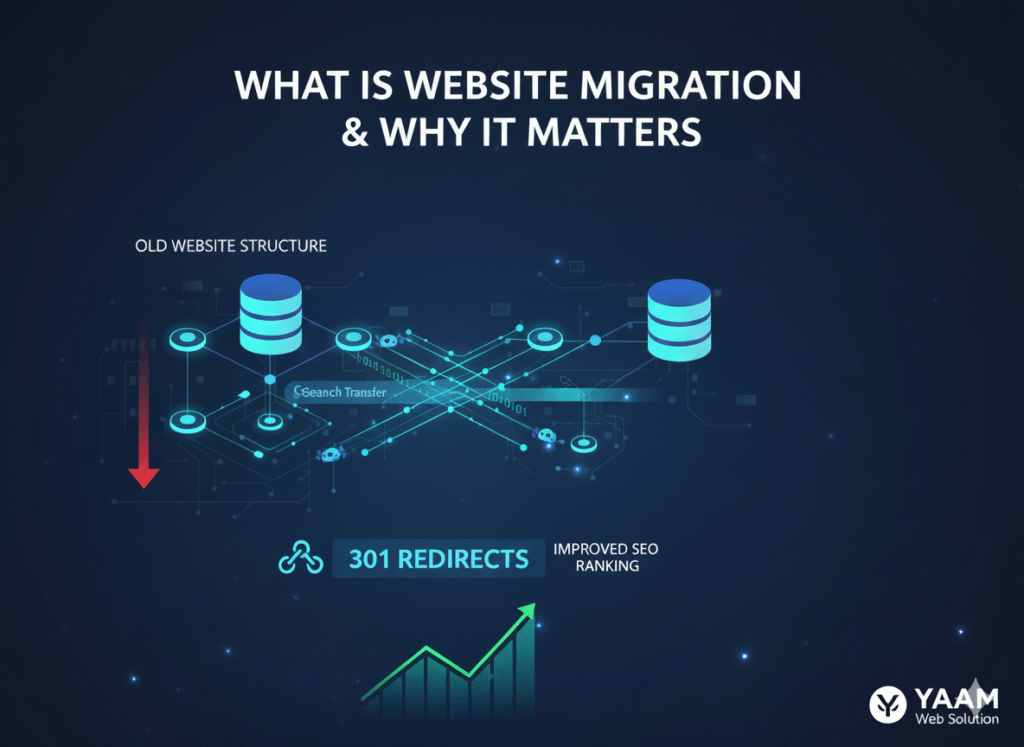
Achieving website migration without losing SEO is crucial because Google and other search engines have spent months (or years) indexing your site, understanding its structure, and determining where your pages should rank. When you change fundamental elements of your site, search engines need to re-evaluate everything—and if you don’t guide them properly, they might draw the wrong conclusions.
According to Google’s own documentation, even well-executed migrations can experience temporary ranking fluctuations. The key is minimizing these fluctuations and recovering quickly.
Types of Website Migrations
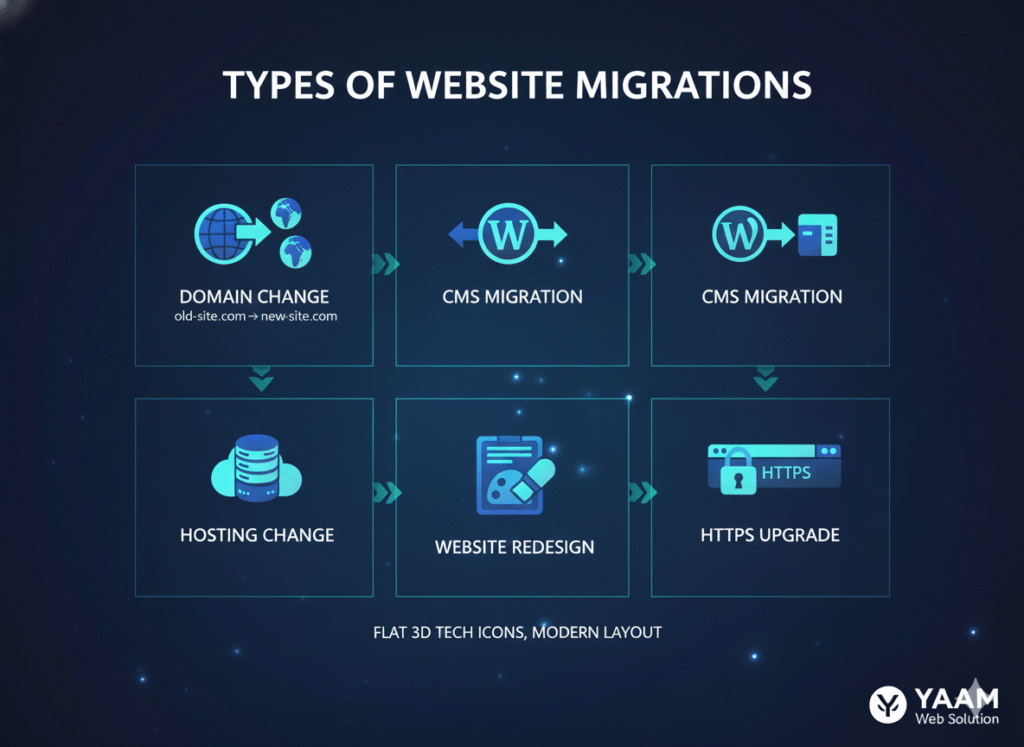
Not all migrations are created equal. Understanding which type you’re dealing with helps you prepare accordingly:
1. Domain Migration
Moving from one domain to another (e.g., oldsite.com to newsite.com). This is one of the riskiest migration types for SEO.
2. Protocol Migration
Switching from HTTP to HTTPS. While essential for security, this still requires careful implementation.
3. Platform or CMS Migration
Moving from one content management system to another (e.g., Joomla to WordPress). This often involves URL structure changes.
4. Hosting Migration
Changing your web hosting provider. While less risky, server configuration issues can still impact SEO.
5. Site Redesign with URL Changes
Updating your site’s design and structure, which often leads to modified URLs.
At YAAM Web Solutions, we’ve successfully managed all types of migrations, and I can tell you that preparation makes all the difference. The key to website migration without losing SEO lies in understanding which type you’re dealing with and planning accordingly.
What Happens to SEO During Website Migration
Let’s be honest about what happens to SEO during website migration: there will almost always be some fluctuation in your rankings. Even with perfect execution, Google needs time to recrawl your site, process your redirects, and update its index.
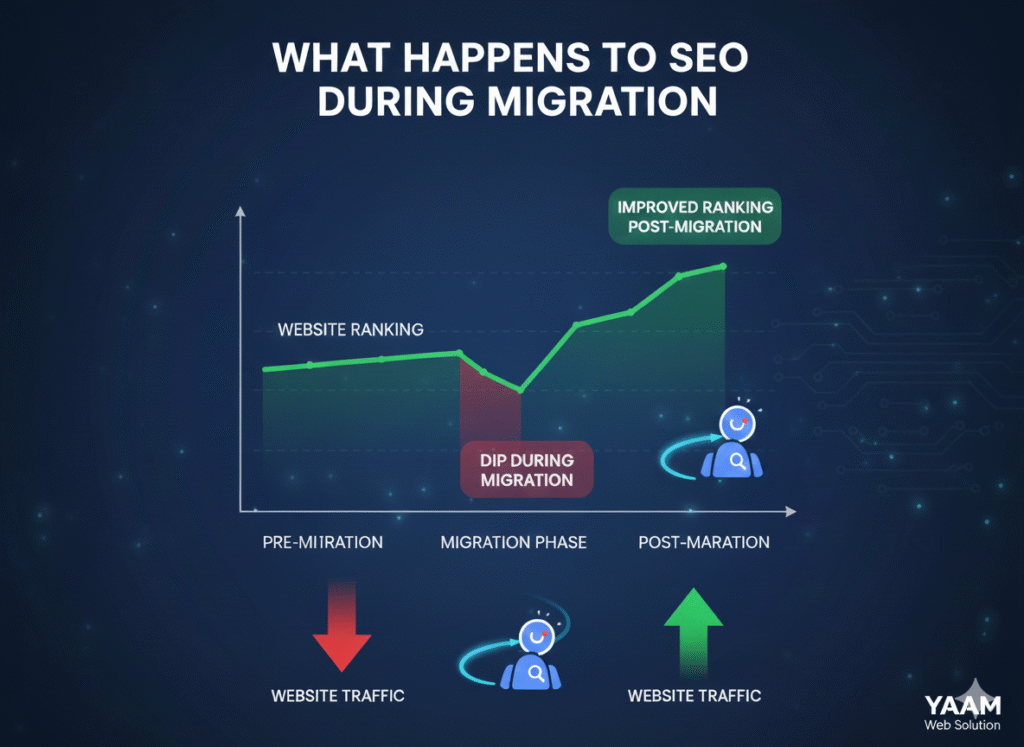
Here’s what typically happens:
Week 1-2: Initial crawling begins. You might see some ranking volatility as Google discovers your changes.
Week 3-4: Most 301 redirects have been processed. Rankings start stabilizing, though you might still see some fluctuation.
Month 2-3: Full authority transfer occurs. If executed properly, your rankings should return to pre-migration levels or better.
The critical factor? How well you’ve implemented your migration strategy. A solid plan for website migration without losing SEO can minimize negative impacts and even create opportunities for improvement.
Pre-Migration SEO Checklist: Essential Steps for Website Migration Without Losing SEO
Success in website migration without losing SEO starts long before you flip the switch. Here’s your comprehensive pre-migration SEO checklist:
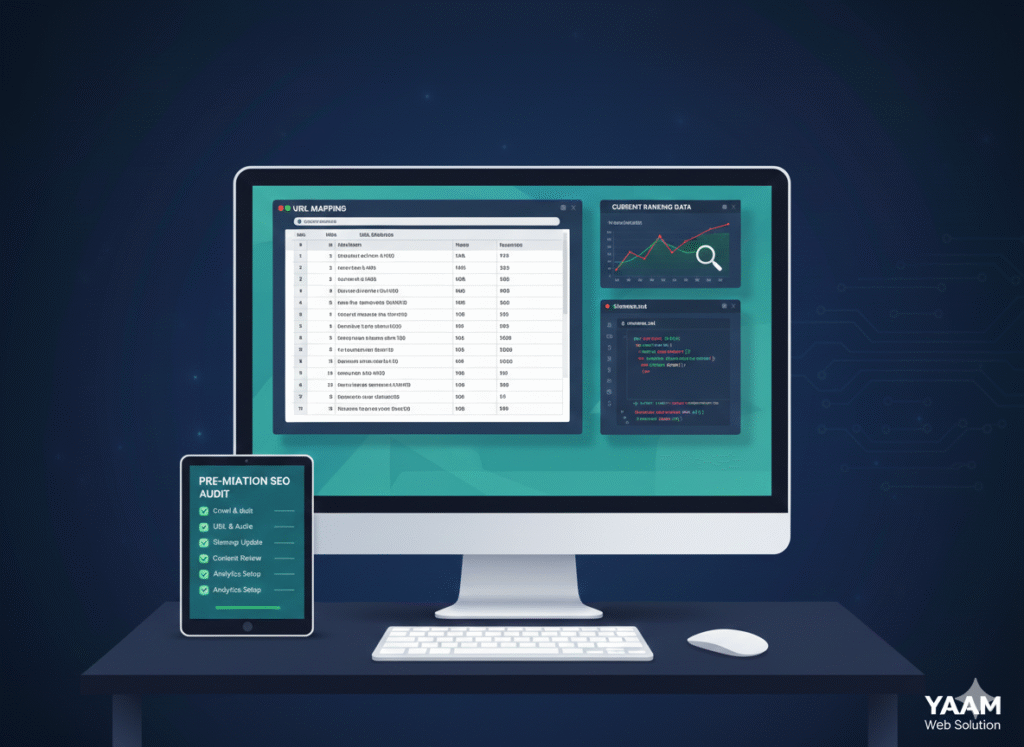
1. Conduct a Complete SEO Audit
Before changing anything, document your current SEO performance:
- Export all existing URLs and their rankings
- Document current organic traffic levels and sources
- Record your backlink profile using tools like Ahrefs or SEMrush
- Take screenshots of your Google Analytics and Search Console data
- Note your current Core Web Vitals scores
- Document all existing 301 redirects
This baseline data becomes your reference point for measuring migration success.
2. Create a Comprehensive URL Mapping Document
This is perhaps the most critical document in your entire migration. Create a spreadsheet mapping every old URL to its corresponding new URL:
Old URL | New URL | Status Code | Priority | Notes
Include metadata like page titles, meta descriptions, and target keywords. This becomes your redirect blueprint and ensures nothing gets lost in translation.
3. Analyze Your Top-Performing Pages
Identify which pages drive the most organic traffic and conversions. These pages deserve extra attention during migration—any mistakes here will hurt the most.
4. Check Your Backlink Profile
Use tools like Google Search Console to identify which pages have the most inbound links. These are your most valuable SEO assets and must be redirected properly.
5. Review Technical SEO Elements
Ensure your new site maintains or improves upon:
- XML sitemap structure
- Robots.txt configuration
- Canonical tags
- Structured data markup
- Page load speed and Core Web Vitals
6. Set Up Staging Environment
Never migrate directly to production. Use a staging environment to test everything thoroughly before going live.
How to Achieve Website Migration Without Losing SEO: The Complete Process
Now let’s walk through how to migrate a website safely, step by step. Following this proven process for website migration without losing SEO will protect your rankings and traffic:

Step 1: Implement 301 Redirects
301 redirects are the backbone of any SEO-friendly migration. They tell search engines “this page has permanently moved to a new location” and transfer approximately 90-95% of link equity.
Best practices for 301 redirects for website migration:
- Redirect URLs one-to-one, not all pages to the homepage
- Maintain content relevance (redirect to the most similar content)
- Avoid redirect chains (A → B → C); go directly from A → C
- Use server-level redirects when possible (faster than plugin-based)
For WordPress migrations, the Redirection plugin works well for smaller sites, but server-level Apache or Nginx redirects perform better for larger sites.
Step 2: Update Internal Links
Before launching, update all internal links to point directly to new URLs rather than relying on redirects. This improves site speed and user experience.
Step 3: Maintain URL Structure When Possible
The best migration is one where URLs don’t change at all. If you must change them, keep the structure as similar as possible. For example:
- Old: example.com/services/web-design
- Good: newexample.com/services/web-design
- Bad: newexample.com/our-services/website-designing-solutions
Step 4: Preserve On-Page SEO Elements
Ensure that all critical SEO elements transfer to the new site:
- Title tags
- Meta descriptions
- Header tags (H1, H2, etc.)
- Alt text for images
- Schema markup
- Open Graph tags
Step 5: Update and Submit XML Sitemap
Generate a new XML sitemap with all new URLs and submit it to Google Search Console and Bing Webmaster Tools. This helps search engines discover your new structure quickly.
Step 6: Update Google Search Console
If changing domains, add the new domain as a property in Search Console and submit a Change of Address notification. This alerts Google about your migration.
Step 7: Monitor Crawl Errors
Watch Search Console for 404 errors and crawl issues. Address any problems immediately—every 404 error is a potential traffic loss.
Post-Migration SEO Audit: Ensuring Everything Works
The work doesn’t end when your new site goes live. A thorough post-migration SEO audit is essential:
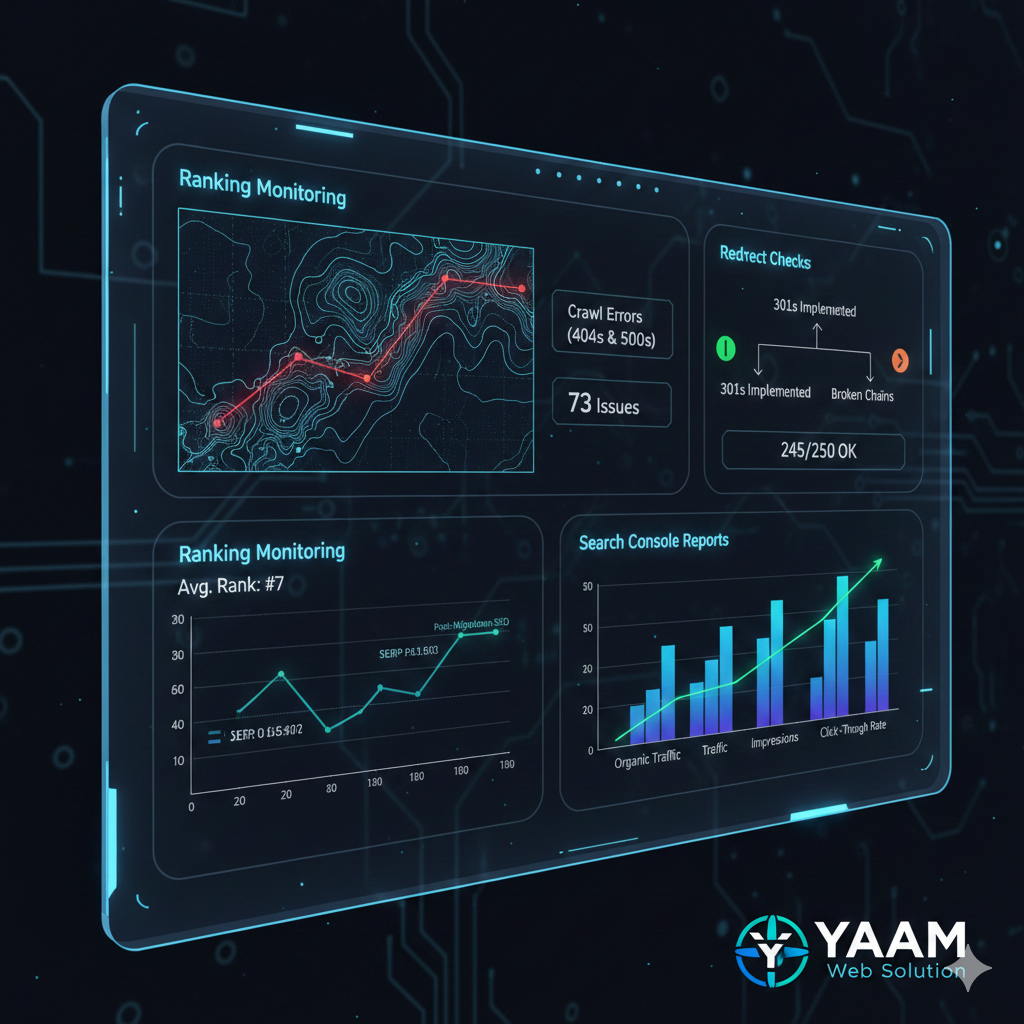
Week 1 Checks:
- Verify all redirects are working: Test a sample of URLs from your mapping document
- Check for 404 errors: Use Screaming Frog or similar tools to crawl your site
- Confirm Google Analytics tracking: Ensure data is being collected properly
- Monitor Search Console: Look for sudden spikes in errors
Week 2-4 Checks:
- Track ranking changes: Compare current rankings to pre-migration baselines
- Monitor organic traffic: Look for any significant drops
- Review page load speeds: Ensure performance hasn’t degraded
- Check indexation status: Verify Google is indexing your new pages
Month 2-3 Checks:
- Analyze backlink updates: Many sites will naturally update to your new URLs
- Review conversion rates: Ensure functionality hasn’t been compromised
- Compare overall performance: Are you meeting or exceeding pre-migration metrics?
Our team at YAAM Web Solutions provides comprehensive migration services that include 90 days of post-launch monitoring to ensure everything stabilizes properly.
Common SEO Mistakes to Avoid During Migration
I’ve witnessed countless migrations go sideways. Here are the most common SEO mistakes to avoid during migration:

1. Blocking Search Engines Accidentally
One of the most devastating mistakes is leaving your robots.txt file set to “disallow all” or forgetting to remove the “noindex” meta tag from your staging site. I’ve seen sites lose 100% of their traffic overnight because of this simple oversight.
Prevention: Create a checklist item to verify robots.txt and meta robots tags before launch.
2. Implementing 302 Instead of 301 Redirects
302 redirects are temporary and don’t pass link equity. Using them during a permanent migration means losing all your SEO value.
Prevention: Always use 301 redirects for permanent moves and double-check redirect types after implementation.
3. Redirecting Everything to the Homepage
When you can’t find a matching page, it’s tempting to redirect to the homepage. This creates a terrible user experience and wastes link equity.
Prevention: Redirect to the most relevant existing page. Only use homepage redirects as a last resort for truly obsolete content.
4. Forgetting to Update Canonical Tags
If your new site’s canonical tags point to old URLs, you’re telling Google the old URLs are the preferred versions. This completely undermines your migration.
Prevention: Audit canonical tags post-migration and ensure they point to the new URLs.
5. Not Communicating with Link Partners
If you have important partnerships or major backlinks, reach out and ask them to update links to your new domain. This ensures you maintain full link equity.
6. Rushing the Process
The biggest mistake? Moving too quickly without proper testing. Site migration best practices 2025 emphasize thorough planning over speed.
Prevention: Allow at least 2-4 weeks for planning and testing before going live.
WordPress Site Migration SEO: Achieving Website Migration Without Losing SEO on WordPress
WordPress powers over 40% of the web, making WordPress site migration SEO a critical topic. Here are WordPress-specific considerations for website migration without losing SEO:
Database Serialization Issues
WordPress stores URLs in serialized data within the database. Simply find-and-replace won’t work properly. Use tools like Better Search Replace or WP Migrate DB to handle serialized data correctly.
Permalink Structure
WordPress allows you to customize permalink structures. Maintain your existing structure during migration to avoid unnecessary redirects. If you must change it, ensure every old permalink format redirects to the new one.
Plugin Configuration
Many WordPress plugins (especially SEO plugins like Yoast or RankMath) store configuration data specific to your domain. Export these settings before migration and import them to your new site.
Media Library URLs
WordPress stores media files with absolute URLs. During migration, update these references in your database to prevent broken images, which hurt both user experience and SEO.
Cache and CDN Settings
If using caching plugins or CDN services, clear all caches immediately after migration and reconfigure your CDN to point to new URLs.
For complex WordPress migrations, professional help is often worth the investment. Check out our professional services for expert WordPress migration support.
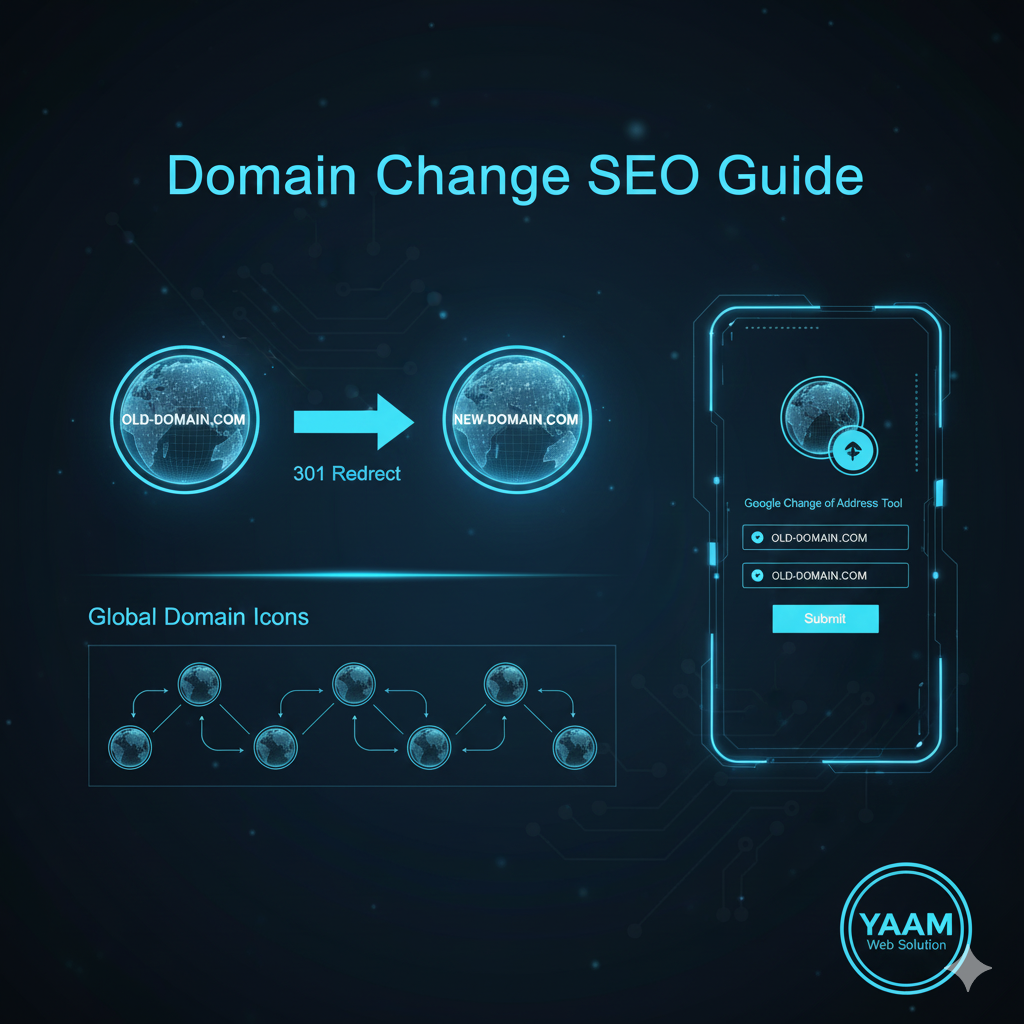
Domain Change SEO Guide 2025
Changing domains is the highest-risk migration type. Here’s your domain change SEO guide 2025:
Before Changing Domains:
1. Choose the Right Time Avoid migrating during your busy season. Pick a period with lower traffic to minimize business impact.
2. Prepare Stakeholders Warn your team, partners, and key customers about the upcoming change. Update email signatures, business cards, and marketing materials.
3. Acquire the New Domain Early Register your new domain at least a month before migration. This gives you time to set up hosting and staging environments.
During Domain Change:
1. Keep Old Domain Active Maintain your old domain and hosting for at least 6-12 months. Your 301 redirects need to remain active during this entire period.
2. Update All Citations Change your domain everywhere:
- Google Business Profile
- Social media profiles
- Directory listings
- Email signatures
- Partner websites
3. Submit Change of Address Use Google Search Console’s Change of Address tool. This accelerates the process of Google recognizing your domain change.
After Domain Change:
1. Monitor Both Domains Keep both domains in Google Search Console and monitor traffic to each. You should see traffic gradually shift from old to new.
2. Update Backlinks Reach out to sites linking to you and request they update to your new domain. Prioritize high-authority links first.
3. Maintain Redirects Long-Term Don’t remove redirects after a few months. Keep them active for years—some links continue driving traffic long after migration.
Monitoring Your Migration Success
How do you know if your migration succeeded? Track these key metrics:

Traffic Metrics:
- Organic sessions (should recover to pre-migration levels within 2-3 months)
- Bounce rate (shouldn’t increase significantly)
- Pages per session (should remain stable)
- Average session duration
Ranking Metrics:
- Keyword rankings for your top 50-100 target keywords
- Visibility score in SEO tools
- Number of keywords ranking in top 10, top 20, etc.
Technical Metrics:
- Crawl errors in Search Console
- Number of indexed pages
- Page load speed and Core Web Vitals scores
- Mobile usability issues
Business Metrics:
- Conversion rate (shouldn’t decline)
- Goal completions in Google Analytics
- Revenue from organic traffic
Set up automated reporting in Google Analytics and Search Console to track these metrics weekly for the first month, then monthly thereafter.
Frequently Asked Questions
How long does it take to recover SEO after website migration?
Most sites recover their rankings within 2-3 months after a well-executed migration. However, this timeline varies based on factors like site size, migration complexity, and how quickly search engines recrawl your site. Some sites see full recovery in 4-6 weeks, while larger sites or those with migration issues might take 4-6 months.
Will I lose my SEO rankings when migrating my website?
You’ll likely experience some temporary ranking fluctuations during migration, but a properly executed move website without losing rankings strategy will minimize losses. Using proper 301 redirects, maintaining URL structure, and following best practices typically results in full ranking recovery within a few months. Some sites even see improvements if the migration fixes existing technical issues.
What is the most important step in website migration?
Creating a comprehensive URL mapping and redirect plan is the single most critical step. This document ensures every old URL correctly redirects to its new equivalent, preserving your link equity and preventing 404 errors. Without proper redirects, you’ll lose years of SEO work overnight.
Should I migrate during low traffic periods?
Yes, migrating during off-peak hours (typically late evening or early morning) and during slower business periods minimizes risk. This gives you time to identify and fix issues before peak traffic returns. However, don’t wait indefinitely for the “perfect” time—proper preparation matters more than timing.
How do I prevent SEO loss during migration?
To prevent SEO loss during migration, follow these essential steps: conduct a complete pre-migration audit, create detailed URL mappings, implement proper 301 redirects, maintain your URL structure when possible, preserve all on-page SEO elements, test everything in staging before going live, and monitor closely post-migration to catch any issues quickly.
Can I change my domain without losing SEO?
Yes, you can change your domain without significant SEO loss by using proper 301 redirects, submitting a Change of Address in Google Search Console, maintaining your old domain and redirects for at least 12 months, updating all external citations, and monitoring performance closely. Expect some temporary fluctuation, but most sites recover fully within 3-6 months.
What happens if I forget to set up redirects?
Forgetting redirects is catastrophic for SEO. Every old URL will return 404 errors, causing you to lose all link equity from backlinks, drop out of search rankings entirely, and lose organic traffic immediately. If you realize this mistake, implement redirects as quickly as possible—late redirects are better than no redirects, though you’ll still experience significant ranking loss.
How often should I check my site after migration?
Check your site daily for the first week after migration, focusing on crawl errors, redirect functionality, and traffic levels. Continue weekly checks for the first month, then shift to bi-weekly or monthly monitoring. Critical issues usually appear within the first 72 hours, so early vigilance is essential.
Final Thoughts: Making Your Website Migration Without Losing SEO Successful
Website migration doesn’t have to be scary. With proper planning, meticulous execution, and consistent monitoring, you can complete website migration without losing SEO—the value you’ve worked so hard to build.
The key takeaways for how to migrate a website safely:
- Plan thoroughly before touching anything
- Document everything with detailed URL mappings
- Test extensively in a staging environment
- Implement proper 301 redirects for all changed URLs
- Monitor closely for at least 90 days post-migration
- Act quickly when issues arise
Remember that migration is also an opportunity. Use it to fix existing technical SEO issues, improve site structure, enhance page speed, and create better user experiences. When done right, your post-migration site should perform better than before.
At YAAM Web Solutions, we’ve successfully completed website migration without losing SEO for hundreds of websites while maintaining or improving their performance. Whether you need full migration support or consultation to guide your internal team, we’re here to help ensure your move is successful.
Ready to execute website migration without losing SEO? Contact YAAM Web Solutions today for a free migration consultation and let us help you make the transition smooth and successful.
Last updated: December 6, 2025 | This guide reflects current SEO best practices and Google’s latest recommendations for website migration.