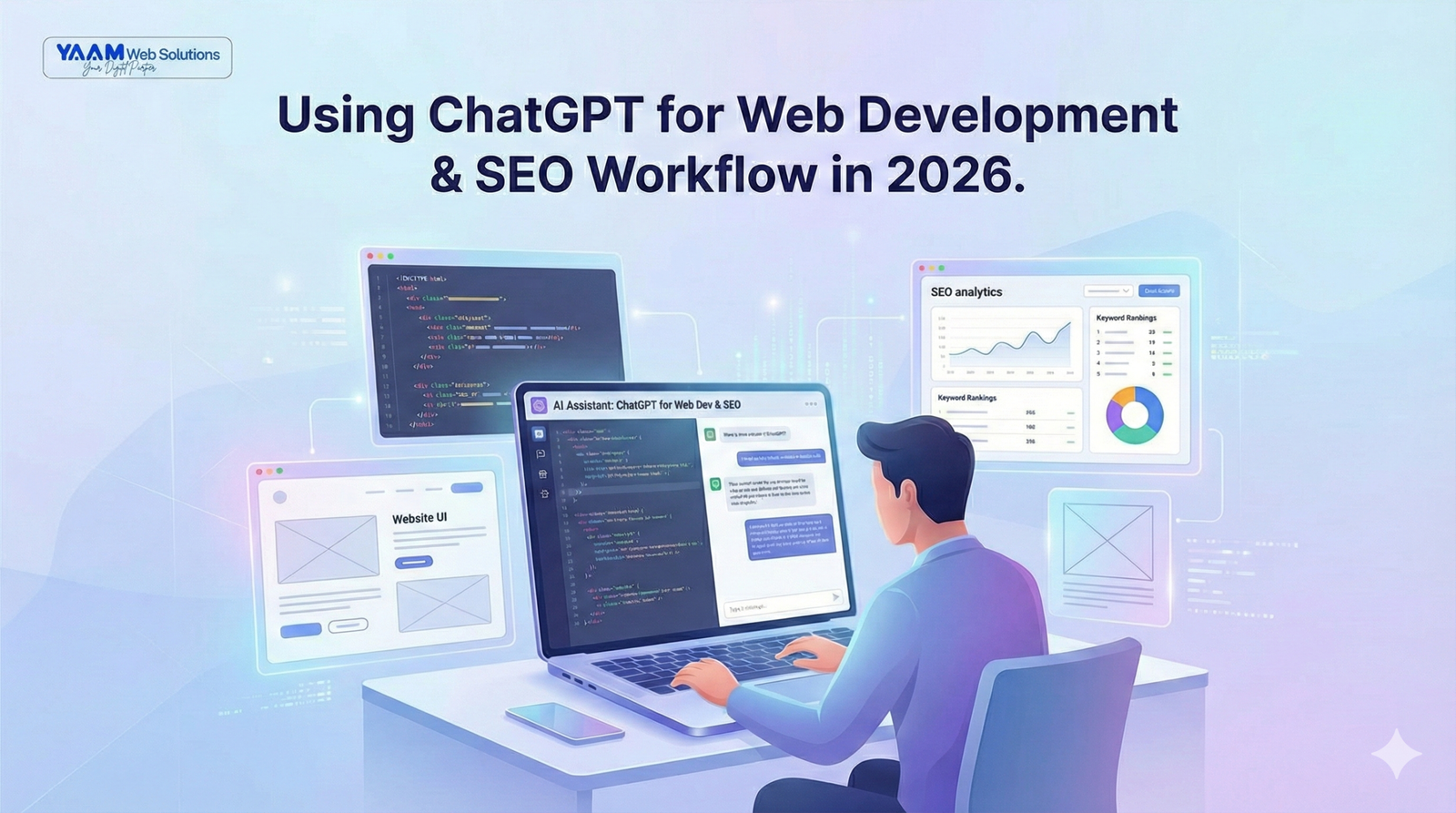
7 Ways to Master ChatGPT for Web Development and SEO Workflow— The Best 2026 Guide
7 Proven Ways to Master
ChatGPT for Web Development
and SEO Workflow
— The Best 2026 Guide
A practical, step-by-step breakdown for developers and business owners who want to build faster, rank higher, and work smarter with AI.
If you’ve been looking for a real guide on ChatGPT for web development and SEO workflow — one that goes beyond surface-level tips — you’re in the right place. This isn’t theory. It’s a practical breakdown of how developers and business owners are using AI to plan, build, and rank websites faster than ever in 2026.
Web development and SEO have always been time-intensive disciplines. That’s exactly why a structured ChatGPT for web development and SEO workflow has become essential for teams that want to stay competitive. Writing code, debugging issues, crafting search-optimized content, managing technical audits — the demands are relentless, and client expectations have never been higher.
Developers who’ve built a smart workflow around ChatGPT aren’t just faster — they produce consistently higher quality output across every stage of a project. Whether you’re a solo freelancer, a growing agency, or a business owner evaluating how your development team should operate, this guide covers everything step by step. Building a repeatable ChatGPT for web development and SEO workflow is no longer optional — it’s the baseline for staying competitive.
Why ChatGPT for Web Development and SEO Workflow Is a Game-Changer in 2026
A few years ago, asking an AI to write production-ready code felt like a novelty experiment. In 2026, skipping that step is a competitive disadvantage. The developers and agencies pulling ahead right now aren’t necessarily smarter — they’ve built smarter systems.
According to Google Developers and Web.dev, AI-assisted development workflows are now factored into modern performance best practices — because teams using them consistently ship better products, faster.
What makes using ChatGPT for web development so powerful is its range. It’s not just a code generator. It’s a thinking partner that can help you plan site architecture, draft SEO-optimized content, review code for security issues, write meta tags, generate schema markup, debug JavaScript errors, and explain complex logic in plain English.
The key insight most people miss: ChatGPT doesn’t replace your expertise — it eliminates the bottlenecks around it.
Google’s algorithm now rewards content depth, topical authority, and genuine user engagement — all of which a well-structured ChatGPT SEO workflow helps you produce more consistently. It’s not just about speed anymore. It’s about quality at scale.
Complete ChatGPT for Web Development and SEO Workflow
Most guides give you a list of prompts and call it a workflow. Below is an actual structured process — the kind that professional development teams use day to day to manage real projects from discovery to launch and beyond.
Planning Websites Faster with AI
Every strong website starts with a clear plan. Site architecture, page hierarchy, content structure, user flows — these decisions shape everything downstream. With AI in the loop, this process compresses dramatically. This is the first stage where a ChatGPT for web development and SEO workflow pays for itself immediately.
Define the project scope
Prompt ChatGPT with your client’s business type, target audience, and core goals. Ask it to suggest a full site structure with page names, purposes, and URL slugs. Takes 5 minutes instead of 2 hours.
Generate user personas
Ask ChatGPT to create 2–3 detailed user personas based on the industry. These feed directly into UX decisions, content tone, and CTA placement — things your designers and writers need from day one.
Draft the technical brief
Use AI to generate a structured technical requirements document — stack decisions, third-party integrations, performance targets, and accessibility standards. A solid first draft in under 10 minutes.
Map the content calendar
ChatGPT can generate a 12-month blog content calendar based on your target keywords and industry trends. Combine with your SEO tool data and you have a full editorial strategy ready to go.
Writing SEO Content Using ChatGPT
This is where the ChatGPT SEO workflow delivers its biggest business impact. Content is still the backbone of organic search performance — and most businesses simply can’t produce enough of it at the quality Google now expects in 2026.
Used correctly, ChatGPT writes with you — not instead of you. AI-generated content published unchanged tends to be thin and generic. AI-assisted content, where a human expert directs, edits, and injects real insight, performs genuinely well in search. Here are the highest-value prompt types to build into your workflow:
"Write a detailed SEO blog outline for [keyword]. Include H2s, H3s, target word count per section, and internal link opportunities."
Saves 30–45 minutes per article. Use before writing any long-form content.
"Write 3 meta description variations for [page topic]. Under 155 characters each. Include [keyword] naturally."
Run this for every page. Consistent, optimized meta tags lift CTR significantly across a site.
"Create a content brief for a service page targeting [keyword]. Include tone, audience, key messages, LSI keywords, and competitor gaps."
Hand this to any writer on your team and they have everything they need before writing a word.
"Review this paragraph and suggest 2 internal link opportunities to related pages about [topics]. Include anchor text."
Builds internal link equity systematically — one of the most underused SEO techniques available.
Debugging Code & Development Assistance
Every developer knows the pain of staring at a bug for two hours only for someone else to spot it in two minutes. ChatGPT plays the role of that second set of eyes — available instantly, no ego, no judgment.
Here’s what developers are actually using it for every day:
- Code review and refactoring. Paste a function and ask “how would you improve the readability and performance of this?” The suggestions are often genuinely useful.
- Writing unit tests. Describe what a function does and ask ChatGPT to generate a full test suite. Dramatically increases test coverage without the grind.
- Documentation generation. Feed undocumented code and ask it to write JSDoc or inline comments. Your future self will thank you.
- Regex and SQL assistance. Two areas where developers lose disproportionate time. ChatGPT handles these almost perfectly when given a clear output description.
- Learning new frameworks. Ask it to explain a React hook, a Next.js API route, or a Tailwind configuration faster than reading the docs for most common questions.
MDN Web Docs remain essential for reference — but ChatGPT has become the fastest first step when you hit a roadblock. Integrating this into your ChatGPT for web development and SEO workflow means fewer hours lost to debugging and more time shipping features that matter.
Always include your tech stack upfront. “I’m using Next.js 14, TypeScript, Tailwind CSS, and Prisma — here’s my issue…” gets dramatically better answers than a vague question with no context.
Technical SEO Automation Using AI
Technical SEO has always been one of the most time-consuming parts of any web project. It’s also one of the areas where AI web development automation is making the biggest measurable difference right now. A properly built ChatGPT for web development and SEO workflow lets you automate the repetitive heavy lifting so your team focuses on strategy.
- Schema markup generation. Describe your page type and ask ChatGPT to generate the correct JSON-LD schema. Copy, validate, paste. Done in minutes.
- Robots.txt and .htaccess auditing. Paste your current file and ask it to identify issues — or describe what you need and get exact directives written for you.
- Redirect mapping. Paste old and new URLs and ask ChatGPT to generate full 301 redirect rules in your format (Nginx, Apache, Cloudflare).
- Core Web Vitals diagnostics. Describe your LCP, CLS, and INP scores alongside your tech stack and get targeted optimization suggestions for your specific setup.
- Title tag batch optimization. Paste a column of existing title tags and ask ChatGPT to rewrite them for better keyword targeting and CTR.
If you’re planning a site migration and want to protect your existing rankings, the YAAM Web Solutions guide on website migration without losing SEO covers the full process — and these technical SEO automation steps plug directly into that workflow.
Real-World ChatGPT for Web Development and SEO Workflow
Here’s how a full project actually flows when AI is integrated at every stage — the kind of modern AI web development process that professional agencies run today. Each phase below maps directly to what a structured ChatGPT for web development and SEO workflow enables from day one.
Discovery — Days 1–2
Use ChatGPT to draft the project brief, user personas, and site architecture from client intake notes. What used to be a full day of internal meetings becomes a 2-hour collaborative session with AI handling documentation.
Design & Content Planning — Days 3–5
Generate wireframe copy, placeholder content, and page-level content briefs for each core page. Produce keyword-mapped heading structures so designers build SEO-ready layouts from the start.
Development — Days 6–15
Use AI coding assistant tools for component generation, CSS debugging, and JavaScript logic. ChatGPT handles documentation in parallel as code is written. Teams reference GitHub Copilot alongside ChatGPT for maximum velocity.
SEO Implementation — Days 14–16
Run the full technical SEO automation checklist — schema, meta tags, redirects, canonical tags, page speed. ChatGPT generates everything. A human SEO specialist reviews and validates. Two days of work becomes half a day.
Launch & Post-Launch — Day 17+
Use ChatGPT to draft the launch announcement, client report, and first month’s content calendar. The workflow becomes the engine powering ongoing SEO content production month after month.
For context on what a professional web project costs when this level of efficiency is baked in, the YAAM Web Solutions breakdown of website development costs in India 2025 gives a useful reference for both agencies and business owners.
Mistakes Developers Make When Using ChatGPT for Web Development
For all its power, AI has real failure modes. Here are the most common mistakes developers and business owners make when setting up their ChatGPT for web development and SEO workflow — and how to avoid them in your AI workflow for developers.
Publishing AI content without editing
Raw ChatGPT output is generic, often factually thin, and lacks expert perspective. Always treat AI output as a first draft. Add real data, examples, and your own experience before publishing.
Using AI for security-critical code without review
ChatGPT doesn’t always produce secure code. Authentication flows, database queries, and API key management must be reviewed by a security-aware developer before going live — no exceptions.
Giving vague prompts and expecting precision
“Write me some SEO content” gets generic output. “Write a 600-word service page intro targeting [keyword] for a B2B SaaS company with a professional, confident tone” gets something usable. Specificity is everything.
Treating ChatGPT as a replacement for domain expertise
AI amplifies expertise — it doesn’t substitute for it. A developer who understands architecture, performance, and security gets exponentially more value from AI tools than someone using it to skip the fundamentals.
Ignoring hallucinations in technical contexts
ChatGPT confidently produces incorrect information about specific library versions, API endpoints, and recent changes. Always cross-reference official documentation before implementing technical output.
The goal of AI web development automation is to redirect human attention from low-value mechanical tasks toward high-value judgment and creativity. Teams that understand this distinction consistently outperform those that don’t.
Future of AI-Powered Web Development
We’re still in the early innings of what AI means for web development. The workflows in this guide represent current best practice — but the trajectory over the next 12–24 months points toward something even more transformative.
- Agentic AI systems that complete multi-step development tasks autonomously — writing a feature, testing it, committing to GitHub, and opening a PR with documentation, end-to-end.
- AI-integrated design tools that generate responsive, accessible, SEO-ready HTML and CSS directly from a wireframe or natural language description.
- Personalised AI models trained on your specific codebase, brand voice, and SEO data — tools that understand your project the way a senior team member does.
- Multimodal development interfaces where developers interact with AI through voice, sketches, and screenshots alongside text — making the whole process more natural and intuitive.
For a look at how AI is reshaping design tools in parallel, the YAAM Web Solutions breakdown of Canva Pro 2025 new features shows how even non-developer-facing tools are building AI capabilities that affect the full web production workflow.
Teams that invest now in mastering a proper ChatGPT for web development and SEO workflow — not just using AI casually, but building it into a repeatable, documented system — will hold a meaningful competitive advantage as these capabilities mature and become table stakes across the industry.
Frequently Asked Questions
The best ChatGPT for web development and SEO workflow combines AI at every project stage: site planning and architecture, content brief generation, SEO copywriting, code debugging, technical SEO automation, and post-launch content production. Treat ChatGPT as a consistent team member across the full workflow — not just a tool you reach for when stuck.
Yes — significantly. A structured ChatGPT SEO workflow can automate or accelerate schema markup generation, meta tag writing, redirect mapping, robots.txt auditing, title tag optimization, content brief creation, and internal linking strategy. Human review of all AI-generated SEO output is still essential, particularly for technical directives that affect crawlability and indexation.
ChatGPT is safe for the vast majority of coding tasks — component generation, debugging, refactoring, documentation, and test writing. It requires extra caution around security-critical code (authentication, authorization, database queries) where it can produce plausible but insecure patterns. Always have a security-aware developer review those areas before deployment.
AI developer productivity tools eliminate the time cost of repetitive, low-complexity tasks — boilerplate code generation, documentation writing, test creation, regex and SQL drafting, and debugging common errors. Studies from 2025–2026 show 30–60% faster task completion for developers using integrated AI workflows, with gains compounding as prompting skill improves.
Absolutely. A well-structured ChatGPT for web development and SEO workflow addresses both simultaneously — generating performance-optimized code patterns while producing SEO-friendly content, meta data, and structured data markup. Faster sites rank better, and a proper AI workflow helps optimize both in the same cycle.
The highest-value prompts include: generating JSON-LD schema for specific page types, writing canonical tag recommendations for complex URL structures, auditing robots.txt files, producing 301 redirect maps for site migrations, and creating Core Web Vitals optimization plans from specific PageSpeed Insights scores. Always include your tech stack and CMS in the prompt for targeted output.
Ready for a Website That Actually Ranks?
At YAAM Web Solutions, we combine AI-powered development workflows with deep SEO expertise to build websites that are fast, visible, and built to convert — the right way.