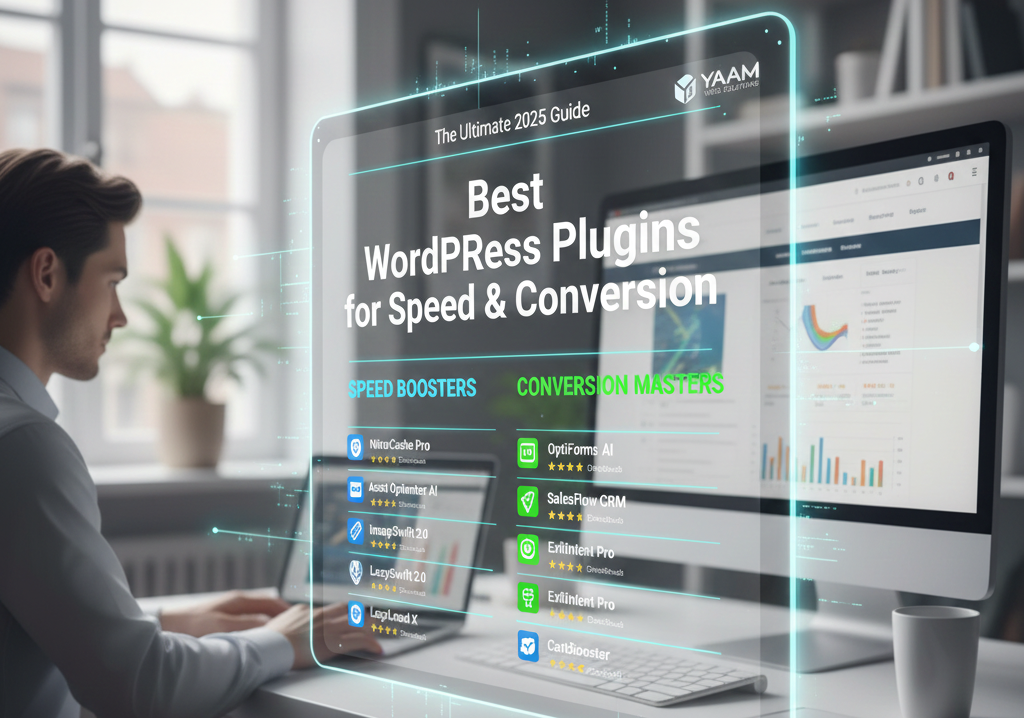
Best WordPress Plugins for Speed and Conversion: The Ultimate 2025 Guide
Published by: YAAM Web Solutions Team | Published on: November 21, 2025
Reading Time: 12 minutes
Running a WordPress website that loads at lightning speed while converting visitors into customers isn’t just a nice-to-have anymore—it’s essential. After helping hundreds of businesses optimize their sites at YAAM Web Solutions, I’ve seen firsthand how the right plugins can transform a sluggish, underperforming website into a conversion machine.
Today, I’m sharing everything you need to know about the best WordPress plugins for speed and conversion, along with practical tips you can implement right away. Whether you’re looking for the best WordPress plugins for speed and conversion to reduce bounce rates or increase sales, this guide covers everything.
Table of Contents
Why Speed and Conversions Matter More Than Ever.
Google’s algorithm updates have made one thing crystal clear: website loading speed directly impacts your search rankings. According to Google’s research on page speed, the probability of bounce increases by 32% when page load time goes from 1 to 3 seconds.
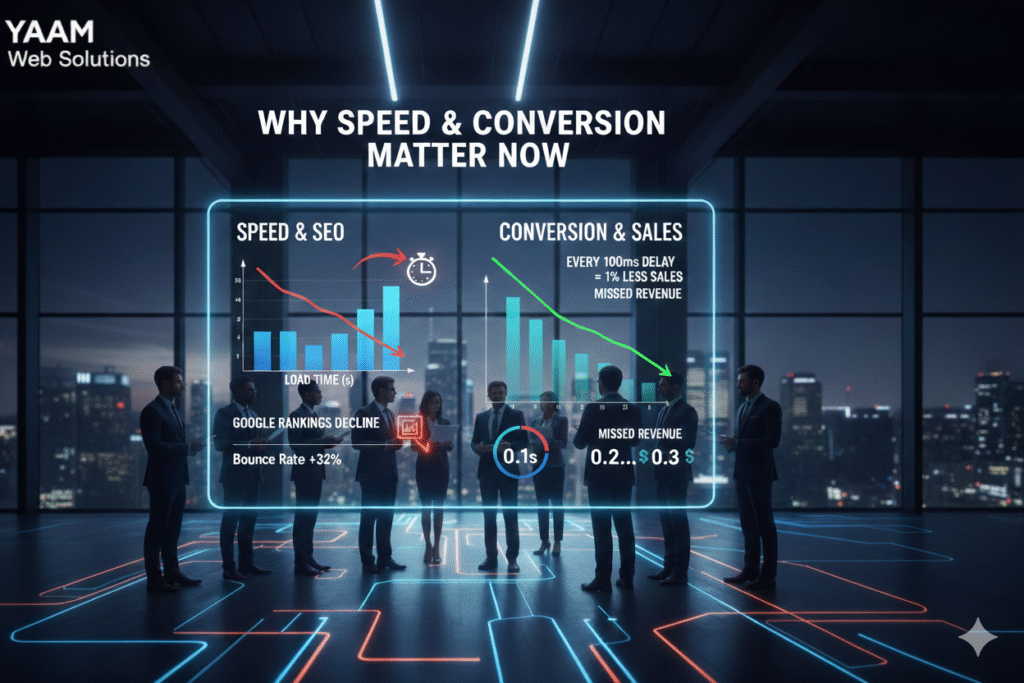
But it’s not just about SEO. Every second of delay costs you real conversions. Amazon found that every 100ms delay costs them 1% in sales. For small and medium businesses, those numbers add up fast.
That’s where the best WordPress plugins for speed and conversion come into play. When you boost website conversions through better performance, you’re essentially printing money. The right best WordPress plugins for speed and conversion can transform your entire business trajectory.
Best WordPress Speed Optimization Plugins.
1. WP Rocket – The All-in-One Speed Champion
WP Rocket is hands down one of the best WordPress plugins for speed and conversion that I recommend to clients. It handles page caching, lazy loading, and Core Web Vitals improvement without requiring any technical knowledge. When looking for best WordPress plugins for speed and conversion, WP Rocket should be your first choice.
Key Features:
- Automatic page caching setup
- Image optimization with lazy loading
- CDN integration ready
- Database optimization
- Minification of CSS, JavaScript, and HTML
The plugin works right out of the box, making it perfect if you want to speed up WordPress site without diving into complex settings.
2. LiteSpeed Cache – Free and Powerful
If you’re on a LiteSpeed server, this is one of the most lightweight WordPress plugins available. It offers enterprise-level page caching features completely free.
What Makes It Special:
- Advanced image optimization
- Excellent lazy loading implementation
- Built-in CDN integration
- Outstanding Core Web Vitals improvement results
According to WP Beginner’s speed tests, LiteSpeed Cache consistently outperforms competitors in real-world scenarios.
3. Imagify – Image Optimization Made Simple
Images typically account for 50-70% of a webpage’s total size. Imagify specializes in image optimization without sacrificing visual quality.
Why I Love It:
- Automatic compression on upload
- Bulk optimization for existing images
- WebP format conversion
- Perfect for website performance improvement
4. Perfmatters – Lightweight Optimization Plugin
Perfmatters is one of those lightweight WordPress plugins that punches way above its weight. It removes unnecessary code and scripts that slow down your site.
Core Capabilities:
- Disable unused features and scripts
- Optimize Google Fonts loading
- Defer JavaScript execution
- Reduce HTTP requests
This plugin perfectly complements other WordPress speed optimization plugins by handling what they miss.

5. WP-Optimize – Database Cleaning Expert
Over time, your WordPress database accumulates junk that impacts performance. WP-Optimize keeps things clean with minimal effort, making it one of the best WordPress plugins for speed and conversion available today.
Features Include:
- Automatic database cleanup
- Image compression
- Page caching
- Scheduled optimization
When combined with other best WordPress plugins for speed and conversion, WP-Optimize ensures your database stays lean and your site stays fast.
Top WordPress Conversion Plugins.
Now that we’ve covered speed optimization, let’s dive into the conversion side. The best WordPress plugins for speed and conversion work together—fast loading times mean nothing if visitors don’t convert. Here are the top best WordPress plugins for speed and conversion that focus on turning visitors into customers.
6. OptinMonster – Lead Generation Powerhouse
When clients at YAAM Web Solutions want to boost website conversions, OptinMonster is my go-to recommendation for lead generation plugins.
Conversion Features:
- Exit-intent popups
- A/B testing capabilities
- Advanced targeting rules
- Multiple call-to-action tools
The exit-intent technology alone has helped businesses recover 15-20% of abandoning visitors.
7. Thrive Leads – Built for Conversions
Thrive Leads combines beautiful design with powerful functionality. It’s specifically designed to improve WordPress website performance in terms of lead capture.
What Sets It Apart:
- Drag-and-drop form builder
- Built-in A/B testing
- Advanced analytics
- SmartLinks technology
8. WPForms – User-Friendly Form Builder
Among form builder plugins, WPForms strikes the perfect balance between power and simplicity. It’s one of the best WordPress plugins for speed and conversion because it doesn’t bloat your site while delivering exceptional results.
Key Benefits:
- Lightweight code
- Drag-and-drop interface
- Conditional logic
- Spam protection built-in
- Payment integration
The plugin loads quickly and helps with website loading speed optimization. As one of the best WordPress plugins for speed and conversion, WPForms ensures your forms convert without slowing down your site.
9. TrustPulse – Social Proof Notifications
Nothing converts like social proof. TrustPulse displays real-time activity notifications that encourage visitors to take action.
Conversion Boosters:
- Live visitor count
- Recent activity notifications
- Call-to-action tools integration
- Mobile-optimized display
According to Neil Patel’s research, social proof can increase conversions by up to 15%.
10. Elementor Pro – Page Builder with Conversion Focus
While primarily a page builder, Elementor Pro includes powerful features that help boost website conversions.
Standout Features:
- Built-in popup builder
- Form builder plugins functionality
- A/B testing capability
- WooCommerce builder
- Fast rendering engine
Essential Performance Monitoring Tools.
11. Query Monitor – Developer’s Best Friend
Query Monitor helps identify performance bottlenecks by showing what’s happening under the hood. It’s essential for website performance improvement.
Monitoring Capabilities:
- Database query analysis
- PHP errors detection
- HTTP API calls tracking
- Hook and action monitoring
12. MonsterInsights – Google Analytics Integration
Understanding user behavior is crucial to improve WordPress website performance. MonsterInsights makes Google Analytics accessible to everyone.
Analytics Features:
- Real-time stats dashboard
- Enhanced eCommerce tracking
- Form conversion tracking
- Popular posts insights
This helps you understand which pages need speed optimization most urgently.

How to Improve WordPress Website Performance: Step-by-Step.
Now that you know about the best WordPress plugins for speed and conversion, let’s talk about implementation. Installing plugins randomly won’t give you optimal results. Here’s the strategic approach we use at YAAM Web Solutions when selecting and implementing the best WordPress plugins for speed and conversion.
Step 1: Establish Your Baseline
Before implementing any WordPress speed optimization plugins, measure your current performance:
- Test with Google PageSpeed Insights
- Check Core Web Vitals scores
- Monitor website loading speed with GTmetrix
- Document current conversion rates
Step 2: Implement Page Caching
Page caching is the foundation to speed up WordPress site effectively. Install WP Rocket or LiteSpeed Cache and activate basic caching immediately.
Quick Win: Enabling page caching alone typically reduces load times by 40-60%.
Step 3: Optimize Images Aggressively
Images are usually the biggest culprit. Here’s how to handle image optimization:
- Install Imagify or ShortPixel
- Convert images to WebP format
- Enable lazy loading site-wide
- Set maximum image dimensions
Step 4: Enable CDN Integration
A Content Delivery Network (CDN) serves your content from servers closest to your visitors. This dramatically improves website loading speed for global audiences.
Popular options include:
- Cloudflare (free tier available)
- StackPath
- BunnyCDN
At YAAM Web Solutions, we typically see 30-50% speed improvements after CDN integration.
Step 5: Optimize Database and Code
Use WP-Optimize or WP Rocket to:
- Clean post revisions
- Remove spam comments
- Optimize database tables
- Minify CSS and JavaScript
Step 6: Improve Core Web Vitals
Google’s Core Web Vitals are now ranking factors. Focus on:
- Largest Contentful Paint (LCP): Should be under 2.5 seconds
- First Input Delay (FID): Should be under 100 milliseconds
- Cumulative Layout Shift (CLS): Should be under 0.1
The best WordPress plugins for speed and conversion address all three metrics. When you optimize Core Web Vitals with the best WordPress plugins for speed and conversion, you improve both search rankings and user experience simultaneously.
Step 7: Add Conversion Optimization
Once speed is optimized, focus on conversion:
- Install OptinMonster or Thrive Leads
- Set up exit-intent popups
- Add social proof with TrustPulse
- Implement A/B testing on key pages
- Optimize forms with WPForms
Step 8: Monitor and Iterate
Performance optimization isn’t a one-time task. Use performance monitoring tools to:
- Track speed metrics weekly
- Monitor Core Web Vitals improvement
- Test different call-to-action tools
- Analyze conversion data
Frequently Asked Questions.
What are the best WordPress plugins for speed and conversion?
The best combination includes WP Rocket or LiteSpeed Cache for speed optimization, Imagify for image compression, OptinMonster for lead generation, and WPForms for form building. These lightweight WordPress plugins work together to improve WordPress website performance while boosting conversions.
How can I speed up WordPress site without technical knowledge?
Start with WP Rocket—it’s the easiest solution to speed up WordPress site automatically. Just install, activate, and it handles page caching, lazy loading, and image optimization without any configuration. You’ll see immediate improvements in website loading speed.
Do speed optimization plugins affect conversions?
Absolutely! Faster loading times directly boost website conversions. Studies show that a 1-second delay can reduce conversions by 7%. When you improve WordPress website performance, visitors stay longer and are more likely to complete desired actions.
What’s the difference between caching and CDN?
Page caching stores a static version of your pages on your server, while CDN integration distributes your content across global servers. Both are essential WordPress speed optimization plugins strategies—caching reduces server load, and CDN reduces distance between users and content.
How do I improve Core Web Vitals on WordPress?
Use performance monitoring tools like Query Monitor to identify issues, then implement lazy loading for images, optimize JavaScript delivery with Perfmatters, and use page caching. These steps directly contribute to Core Web Vitals improvement and better Google rankings.
Can too many plugins slow down my site?
Yes! While the best WordPress plugins for speed and conversion are essential, installing too many creates bloat. Stick to 15-20 quality plugins maximum, and regularly audit using performance monitoring tools to identify any that slow you down.
What’s the best free caching plugin?
LiteSpeed Cache is the top free option if you’re on LiteSpeed servers. For other hosting, WP Super Cache or W3 Total Cache work well. However, premium options like WP Rocket offer better Core Web Vitals improvement with less effort.
How important is image optimization for speed?
Extremely important! Images typically account for 60-70% of page weight. Proper image optimization with tools like Imagify can reduce load times by 40-60% and significantly speed up WordPress site performance.
What are call-to-action tools and why do I need them?
Call-to-action tools like OptinMonster create popups, slide-ins, and inline forms that encourage specific user actions. They’re essential lead generation plugins that help boost website conversions by 15-30% on average.
Should I use A/B testing for conversions?
Definitely! A/B testing lets you compare different versions of pages, forms, and popups to see what works best. Tools like Thrive Leads and OptinMonster include built-in A/B testing to help you improve WordPress website performance continuously.
How often should I optimize my WordPress database?
Run database optimization weekly or bi-weekly using WP-Optimize. Regular cleaning removes post revisions, spam comments, and transients that slow down your site, contributing to better website performance improvement.
What’s lazy loading and should I use it?
Lazy loading delays loading images and videos until visitors scroll to them. This dramatically improves initial website loading speed and Core Web Vitals scores. Yes, you should absolutely enable lazy loading site-wide—it’s standard practice now.
Do form builder plugins slow down websites?
Not if you choose lightweight WordPress plugins like WPForms or Gravity Forms. Heavy form builders can hurt performance, but modern form builder plugins are optimized to load quickly while still boosting website conversions.
How do I measure if my optimization is working?
Use Google PageSpeed Insights and GTmetrix to track website loading speed improvements. Monitor Core Web Vitals in Google Search Console, and use performance monitoring tools like Query Monitor to catch issues. Track conversion rates through Google Analytics.
Can YAAM Web Solutions help with plugin setup?
Yes! At YAAM Web Solutions, we specialize in implementing the best WordPress plugins for speed and conversion. We handle everything from WordPress speed optimization plugins setup to conversion strategy, so you can focus on running your business.
Common Mistakes to Avoid.
Even when you have access to the best WordPress plugins for speed and conversion, implementation mistakes can sabotage your results. Here are common pitfalls to avoid when choosing the best WordPress plugins for speed and conversion for your site.
Installing Too Many Plugins
Ironically, installing every plugin on this list would slow your site down. Choose the best WordPress plugins for speed and conversion that fit your specific needs. Quality over quantity always wins. Focus on selecting only the best WordPress plugins for speed and conversion that solve your actual problems rather than adding features you’ll never use.
Ignoring Mobile Performance
Over 60% of web traffic comes from mobile devices. Always test website performance improvement on mobile, not just desktop.
Forgetting About User Experience
Raw speed numbers don’t matter if user experience improvements suffer. Balance performance with functionality. The fastest site in the world won’t boost website conversions if visitors can’t find what they need.
Not Testing Changes
Always A/B testing major changes. What works for one site might not work for yours. Data beats assumptions every time.
Overlooking Lightweight Alternatives
Sometimes a heavy plugin can be replaced with a lightweight WordPress plugins alternative that does the same job more efficiently.
Conclusion: Putting It All Together.
Selecting the best WordPress plugins for speed and conversion isn’t about installing everything—it’s about choosing the right tools for your specific situation. Throughout this guide, we’ve explored why the best WordPress plugins for speed and conversion matter and how to implement them effectively.
Here’s my recommended starter stack of best WordPress plugins for speed and conversion:
Here’s my recommended starter stack:
For Speed:
- WP Rocket or LiteSpeed Cache (page caching)
- Imagify (image optimization)
- Cloudflare (CDN integration)
- Perfmatters (script optimization)
For Conversions:
- OptinMonster (lead generation plugins)
- WPForms (form builder plugins)
- TrustPulse (social proof)
- MonsterInsights (performance monitoring)
At YAAM Web Solutions, we’ve used this combination to help businesses improve WordPress website performance by an average of 3-4x while increasing conversion rates by 25-40%.
Remember, website loading speed and conversion optimization are ongoing processes. What works today might need adjustment tomorrow as your site grows and Google’s algorithms evolve.
Start with the best WordPress plugins for speed and conversion that address your biggest pain points. Implement them one at a time, measure results, and refine your approach. The combination of faster loading times, better Core Web Vitals, and strategic call-to-action tools creates a powerful formula for online success.
When you invest in the best WordPress plugins for speed and conversion, you’re not just buying software—you’re investing in your business growth. Every millisecond of speed improvement and every percentage point of conversion increase directly impacts your bottom line.
If you need help implementing these WordPress speed optimization plugins and WordPress conversion plugins, or want a customized strategy for selecting the best WordPress plugins for speed and conversion for your unique business needs, check out our professional services at YAAM Web Solutions. We specialize in transforming slow, underperforming websites into speed demons that actually convert.
The bottom line? Speed and conversions aren’t separate goals—they’re two sides of the same coin. Master both with the best WordPress plugins for speed and conversion, and watch your WordPress site reach its full potential. The best WordPress plugins for speed and conversion aren’t just tools—they’re the foundation of a high-performing, profitable website.
About the Author: This guide is brought to you by the team at YAAM Web Solutions, where we help businesses speed up WordPress site performance and boost website conversions through proven strategies and expert implementation.