
Technical SEO checklist for developers 2026 Must Follow— Master Guide
Technical SEO checklist for developers 2026
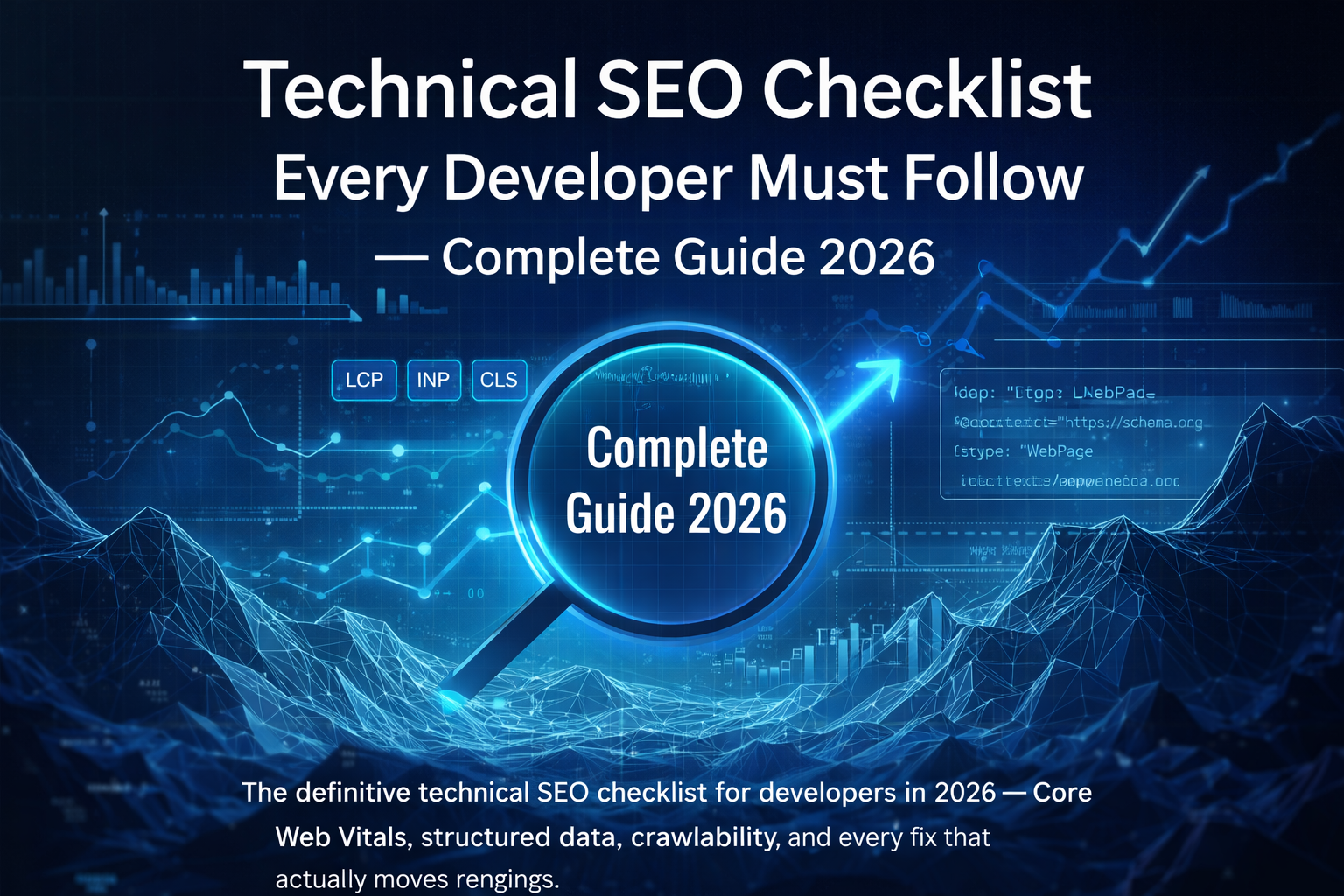
Technical SEO Checklist
Every Developer Must Follow
— Complete Guide 2026
The definitive technical SEO checklist for developers in 2026 — Core Web Vitals, structured data, crawlability, and every fix that actually moves rankings.
This is the complete technical SEO checklist for developers 2026 — one that’s actionable, grounded in how modern development teams work, and built around what Google actually cares about. Whether you’re shipping a new build or diagnosing why a site isn’t ranking, keep this guide open in a second tab.
A few years ago, a developer’s job ended at shipping a functional, good-looking website. SEO was someone else’s problem — usually the marketing team’s. That’s no longer the case — not for any developer running a proper technical SEO checklist for developers 2026.
In 2026, search engines are smarter, more demanding, and far more technical than ever before. Google’s ranking systems now evaluate your site the way a senior engineer would — looking at performance metrics, code quality, crawl efficiency, and structured data implementation. Without a solid technical SEO checklist for developers 2026, you’re handing competitors a head start you may never recover.
The developers pulling ahead right now have made this a core discipline — not a checklist they run through at launch. They’ve embedded the technical SEO checklist for developers 2026 into every sprint, every deployment, and every architectural decision. This guide shows you exactly how to do that.
Why Technical SEO Matters More Than Ever in 2026
Google processes over 8.5 billion searches a day. And yet, studies consistently show that roughly 90% of web pages get zero organic traffic. Not a trickle — zero. The difference between a site that ranks and one that doesn’t isn’t always the content. Often, it’s technical execution — and that means following a systematic technical SEO checklist for developers 2026.
In 2026, Google’s ranking algorithm weighs several developer-controlled factors with extraordinary precision. Page Experience signals including LCP, INP (which replaced FID in 2024), and CLS are confirmed ranking factors. Mobile-first indexing means Google indexes your mobile version first — always. Crawl efficiency determines which of your pages even get considered for ranking. Structured data helps AI-powered search features understand and surface your content.
According to Google Developers and web.dev, these are no longer “nice to have” optimisations. They’re table stakes for any site that wants to rank. Following a proper technical SEO checklist for developers 2026 is now an expectation — not an edge. Teams at YAAM Web Solutions have made technical SEO integration a standard part of their development process — not a layer applied at the end, but an architectural decision made from the very beginning.
Technical SEO isn’t a checklist you complete once at launch. It’s a discipline you build into how you work — part of your architecture decisions, your sprint reviews, your deployment pipeline, and your post-launch monitoring cadence.
Complete Technical SEO Checklist for Developers 2026
This is the real list — the one you keep open during development, pre-launch audits, and post-launch monitoring. This technical SEO checklist for developers 2026 covers every item that’s actionable, has moved rankings for real sites, and belongs in your workflow. Let’s go through it section by section.
Website Speed & Core Web Vitals Optimization
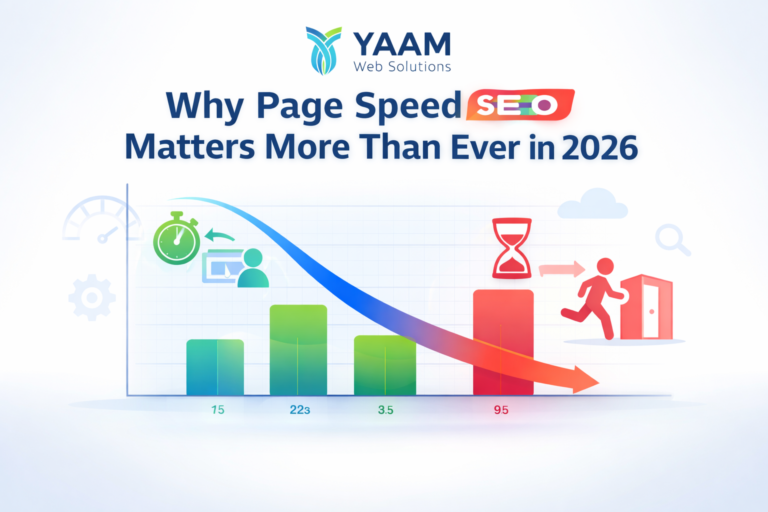
Speed is not just a UX improvement. It’s a direct, confirmed ranking signal — and a cornerstone of any technical SEO checklist for developers 2026. Google’s Core Web Vitals framework defines three key metrics that every developer must hit, and “close enough” is not good enough.
LCP fixes: Serve images in next-gen formats (WebP, AVIF), use loading="eager" on above-the-fold images and loading="lazy" below, preload critical resources with <link rel="preload">, and eliminate render-blocking JavaScript and CSS. A CDN for static assets is non-negotiable at scale.
INP fixes: Break up long JavaScript tasks (anything over 50ms on the main thread), use scheduler.yield() to yield back to the browser between heavy work, avoid layout-thrashing in event handlers, and defer all non-critical third-party scripts aggressively.
CLS fixes: Always define width and height attributes on images and iframes. Reserve space for ads, embeds, and dynamic content using CSS aspect-ratio. Never insert content above existing DOM elements after initial load.
- Enable Gzip or Brotli compression on the server
- Implement HTTP/2 or HTTP/3 on your hosting stack
- Minify HTML, CSS, and JavaScript in production builds
- Set proper Cache-Control headers for all static assets
- Use a performance budget and track it in your CI/CD pipeline
- Audit and remove unused CSS (PurgeCSS works well for Tailwind)
- Reduce Time to First Byte (TTFB) — target under 800ms
- Preconnect to external origins: fonts, analytics, CDNs
- Optimise and compress all images before upload — use WebP/AVIF
Mobile-First & Responsive Performance
Mobile-first indexing is one of the non-negotiables in any technical SEO checklist for developers 2026. Google has been running mobile-first indexing since 2019. In 2026, there is no asterisk on this. Mobile is the index. Period. If your mobile experience is worse than your desktop experience, your entire site suffers in rankings — not just mobile traffic.
A critical error developers make is hiding content on mobile with display: none to simplify the layout. If content is hidden on mobile, Google ignores it entirely during indexing. Your desktop content may as well not exist. That’s why every item on your technical SEO checklist for developers 2026 must be verified on mobile first.
- Use responsive design with fluid layouts — CSS Grid and Flexbox
- Verify viewport meta tag:
content="width=device-width, initial-scale=1" - Test with real devices, not only Chrome DevTools emulation
- Ensure tap targets are at least 48×48px with 8px minimum spacing
- Avoid intrusive interstitials that block content immediately on load
- Confirm all desktop content is fully accessible on mobile (no stripping)
- Set minimum font sizes of 16px to prevent auto-zoom on iOS
- Run Google’s Mobile-Friendly Test on every key page template
- Verify mobile PageSpeed scores match or exceed desktop scores
Structured Data & Schema Implementation
Structured data is one of the most powerful levers in any technical SEO checklist for developers 2026 — and one of the most underused. By implementing Schema.org markup using JSON-LD (Google’s preferred format), you help search engines understand what your content is, not just what it says.
This unlocks rich results — review stars, FAQ dropdowns, product info cards, breadcrumbs in the SERP — that dramatically improve click-through rates. In the era of Google’s AI Overviews, structured data also directly influences whether and how your content gets cited in AI-generated summaries.
- Implement JSON-LD inside
<script type="application/ld+json">in the<head> - Add Organization schema to your homepage
- Add WebSite schema with a SearchAction for sitelinks search box
- Add Article or BlogPosting schema to all blog posts
- Add Product and Review schema to all e-commerce pages
- Add FAQPage schema to FAQ sections and support pages
- Add BreadcrumbList schema to all interior pages
- Validate all markup using Google’s Rich Results Test
- Monitor structured data errors weekly in Google Search Console
Here’s a minimal BlogPosting JSON-LD template you can adapt for any post:
{
  "@context": "https://schema.org",
  "@type": "BlogPosting",
  "headline": "Technical SEO Checklist for Developers 2026",
  "author": {
    "@type": "Organization",
    "name": "YAAM Web Solutions"
  },
  "datePublished": "2026-02-01",
  "publisher": {
    "@type": "Organization",
    "name": "YAAM Web Solutions",
    "logo": {
      "@type": "ImageObject",
      "url": "https://yaamwebsolutions.com/logo.png"
    }
  },
  "mainEntityOfPage": {
    "@type": "WebPage",
    "@id": "https://blog.yaamwebsolutions.com/technical-seo-checklist-developers-2026/"
  }
}
Structured data doesn’t directly boost rankings — but it influences how your result appears. A rich result with star ratings and an FAQ dropdown gets far more clicks than a plain blue link. Higher CTR signals greater relevance back to Google, which does influence rankings. It’s a compounding flywheel worth building from day one.
Crawlability, Indexing & Site Architecture
Crawlability and indexing is one of the most frequently broken sections in any technical SEO checklist for developers 2026. Even the fastest, most beautifully structured website won’t rank if search engines can’t properly crawl and index it. Crawlability is about making Googlebot’s job easy. Site architecture is about ensuring your most important pages receive the most crawl equity and internal link authority.
The most destructive mistake here? A staging Disallow: / in robots.txt that makes it into production. It happens more often than you’d think. Always audit robots.txt immediately after every launch — without exception.
- Submit XML sitemap to Google Search Console at
/sitemap.xml - Verify robots.txt isn’t blocking important pages or CSS/JS resources
- Fix orphan pages — every important page needs 3+ internal links
- Eliminate duplicate content — use canonical tags consistently
- Implement 301 redirects for all moved or deleted URLs (no naked 404s)
- Enforce HTTPS site-wide — fix all mixed content warnings
- Keep URL structures clean, descriptive, and no deeper than 3 levels
- Implement
hreflangcorrectly for multilingual sites - Flatten redirect chains — A→B→C→D loses equity at every hop
- Add
<link rel="canonical">to every indexable page - Use
noindexintentionally: thank-you pages, filtered URLs, admin pages - Audit the Coverage report in Google Search Console every week
- Verify JavaScript-rendered content with Google’s URL Inspection Tool
Site architecture principle to live by: Flat beats deep, every time. Any user — and any crawler — should reach any page within 3–4 clicks of the homepage. Category and pillar pages should concentrate internal link equity before passing it down to individual posts. Pagination should use rel="next" and rel="prev" or implement infinite scroll with proper URL handling.
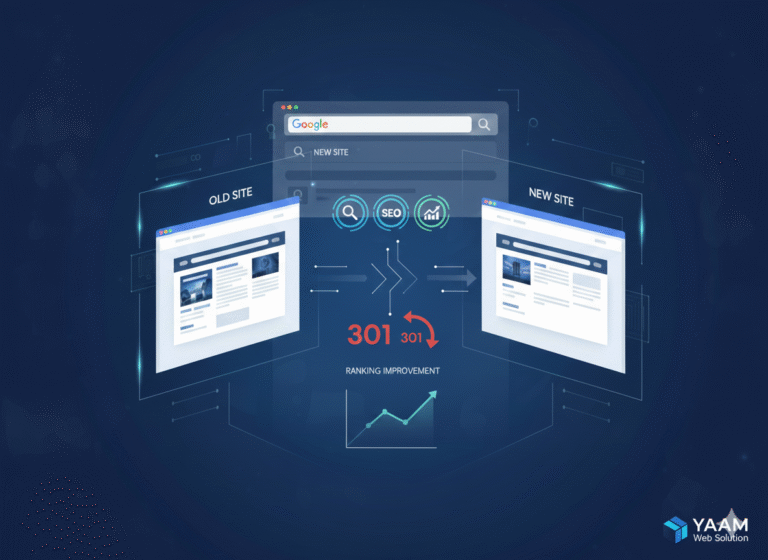
If you’re handling a site migration, the stakes are even higher. One wrong redirect configuration can erase years of SEO equity overnight. The YAAM Web Solutions guide on website migration without losing SEO covers the full process — it’s required reading if a migration is anywhere on your roadmap.
Technical SEO Tools Developers Should Use
No technical SEO checklist for developers 2026 is complete without the right toolset. The right tools make the difference between guessing and knowing — here are the ones that belong in every professional developer’s toolkit.
Screaming Frog SEO Spider
Crawl your site exactly the way Googlebot does. Catch broken links, missing meta tags, duplicate content, and redirect chains at scale.
Google Search Console
The definitive source of how Google sees your site. Coverage errors, Core Web Vitals field data, rich results status, and index coverage in one place.
PageSpeed Insights + Lighthouse
PSI provides both lab and real-world field data. Lighthouse integrates into Chrome DevTools and CI/CD — fail builds that score below your performance budget.
WebPageTest
Waterfall charts, filmstrip views, and multi-step transactions. The professional’s tool for diagnosing exactly what’s slowing a page down and why.
Google Rich Results Test
Validates your JSON-LD schema and shows which rich result types your page qualifies for. Run this on every template before launch.
Screaming Frog Log Analyzer
See exactly which URLs Googlebot crawled, how frequently, and what it received in return. Essential for diagnosing crawl budget waste.
Ahrefs / Semrush / Sitebulb
Full site health reporting, backlink analysis, keyword tracking. Sitebulb in particular produces visually rich crawl reports ideal for architecture analysis.
CrUX Dashboard
Chrome User Experience Report data — field data from real Chrome users on your site. This is what Google actually uses for ranking signals, not lab data.
Integrating the free tools — Search Console, Lighthouse, and PageSpeed Insights — into your standard deployment workflow is non-negotiable in 2026. If a build can fail your linter, it can fail your performance budget. Ship nothing that breaks your Core Web Vitals thresholds.
Common Technical SEO Mistakes Developers Make
Even experienced developers fall into these traps. Knowing them in advance is half the battle. Running a complete technical SEO checklist for developers 2026 before every launch prevents all of them. These are the issues that appear most frequently when teams skip a proper technical SEO checklist for developers 2026 — and every single one is avoidable.
Blocking CSS and JavaScript in robots.txt
Developers sometimes restrict these files to “protect” them. This prevents Googlebot from rendering the page correctly. Google needs to load your CSS and JS to understand your layout — block them and you’re essentially submitting a broken page for indexing.
Using client-side rendering for critical content without SSR
SPAs that render all content via JavaScript create a two-wave indexing problem. Googlebot may not wait for the second render. If content must be indexed, use server-side rendering (SSR) or static site generation (SSG). Next.js makes this a clean architectural choice.
Setting canonical tags incorrectly or inconsistently
Self-referencing canonicals are fine. But canonicals pointing to the wrong URL, or conflicting with noindex directives, create indexing chaos that’s genuinely difficult to untangle. Audit them at the template level before launch and after every major update.
Ignoring redirect chains and loops
A chain of A → B → C → D loses PageRank at every hop and adds meaningful latency to load time. Googlebot also has a lower tolerance for chains than a browser does. Flatten all chains to a single direct redirect — no exceptions.
Mixed content on HTTPS pages
HTTP resources on an HTTPS page trigger browser security warnings, hurt user trust, and cause subtle indexing issues. Every resource — images, scripts, fonts, iframes, API calls — must be served over HTTPS across the entire site.
Over-paginating without URL management
E-commerce sites with hundreds of filtered URL variations — /products?colour=red&size=M — create duplicate content at massive scale. Use canonical tags on filtered pages, add noindex to low-value filter combinations, or manage parameters through Search Console.
Shipping a static sitemap and never updating it
A static XML sitemap updated quarterly is dangerously out of date. Dynamic sitemaps that auto-update on publish are the standard. If your CMS can’t generate one automatically, build a scheduled script that does — and alert on failure.
Launching without a robots.txt audit
The classic: a staging Disallow: / makes it into production. The site launches. Rankings collapse. Traffic disappears. It sounds obvious until it happens to you. Add a robots.txt check to your launch checklist and your post-deploy smoke tests.
Real Workflow Example from Modern Development Teams
Here’s how a high-performing team integrates the full technical SEO checklist for developers 2026 across a real project lifecycle. This is the kind of structured process that separates agencies whose clients see page-one results from those whose clients wonder why nothing is working six months after launch.
Pre-Development — Architecture Sprint
Define the URL structure before writing a single line of code. Plan internal linking architecture for all key landing pages. Decide on SSR vs. SSG vs. CSR based on content type and SEO requirements. Set up Search Console and connect it to the domain from day one.
During Development — Baseline Implementation
Configure robots.txt with correct crawl directives from the start. Implement canonical tags on all templates. Add JSON-LD schema blocks to relevant page templates. Set explicit image dimensions in markup to prevent CLS. Use semantic HTML5 elements throughout — <main>, <article>, <nav>, <aside>. Integrate Lighthouse into CI/CD with a failing threshold.
Pre-Launch — Full Audit
Run a full Screaming Frog crawl of the staging environment. Validate all structured data with Google’s Rich Results Test. Run PageSpeed Insights on every key page template. Audit robots.txt — confirm all critical content is accessible. Submit the XML sitemap to Search Console. Test on real mobile devices.
Post-Launch — Ongoing Monitoring
Monitor the Coverage report in Search Console for indexing errors weekly. Watch for Core Web Vitals regressions in CrUX field data. Set up uptime monitoring and alert on redirect chain creation. Schedule a full technical SEO audit monthly for the first quarter — quarterly thereafter.
For WordPress projects, many of these steps are streamlined through RankMath or Yoast — but the underlying principles are identical regardless of CMS or framework. Understanding the cost implications of a properly scoped SEO-inclusive build is worth reviewing too — the website development cost guide for India gives useful context for scoping these projects accurately.
The most common failure point in this workflow isn’t technical — it’s handoff. Designers who don’t know the URL structure build incompatible navigation. Copywriters who don’t know the keyword targets write beautiful but unranked content. The developer SEO checklist only works when the whole team ships against it from day one.
The Future of Technical SEO for Developers
The horizon is shifting fast. Mastering your technical SEO checklist for developers 2026 baseline now means you’re already ahead — here’s what’s coming next, and what you should be building toward right now.
AI Overviews and semantic markup. Google’s AI Overviews are changing how users interact with search results. The immediate implication: structured data and clean semantic HTML are more critical than ever. AI systems parse your markup to generate summaries. The better your structure, the more likely your content gets cited — and that citation is the new first-page ranking.
INP as a sharpening ranking signal. INP replaced FID in March 2024 and is still relatively new as a ranking factor. Expect Google to weight it more heavily as the CrUX dataset matures. Teams should be profiling interaction performance now, before it becomes a harder threshold to meet.
HTTP/3 and edge computing. HTTP/3 runs on the QUIC protocol and dramatically improves performance on high-latency connections. CDNs like Cloudflare already support it widely. Additionally, edge functions — Vercel Edge Runtime, Cloudflare Workers — allow server-rendering pages geographically close to the user, slashing TTFB globally. This is becoming a mainstream architecture pattern for high-performance, high-ranking sites.
JavaScript SEO at scale. Google’s rendering capabilities are improving, but there’s still a meaningful delay between crawling and rendering JS-heavy content. For critical pages and primary templates, SSR or SSG remains the safest bet in 2026. This won’t change until Google confirms parity rendering — and they haven’t yet.
Developers who thrive in this environment aren’t just engineers — they’re systems thinkers who understand how their decisions at the code level ripple through to user experience, search visibility, and business outcomes. Running a structured technical SEO checklist for developers 2026 is what separates the teams building compounding assets from those building sites that flatline. The design-side implications of AI tools for web production workflows are also worth staying current on as the full stack continues to evolve.
Frequently Asked Questions
scheduler.yield(), reserving explicit space for dynamic content with CSS aspect-ratio, deploying via a CDN, and enabling HTTP/2 or HTTP/3. Google’s web.dev performance documentation is the definitive reference — and integrating Lighthouse into your CI/CD pipeline means regressions get caught before they ship.Ready for a Website That’s Built to Rank?
At YAAM Web Solutions, we build fast, technically excellent websites with SEO baked in from the first line of code — not bolted on at the end. The kind that rank, convert, and stay ranked.



The CBD aggregation – organic cbd gummies offers a assortment of formats that make appropriate exceptional preferences, and each one feels ok executed. The oil appears clean and compatible, the packaging materials sensible of heavy-duty, and the fashion is uninvolved yet elegant. The products are easy to inventory and go with, thanks to make fast lids and aphoristic sizing. Total, the kind delivers a polished and carefully crafted experience without unrequired extras.
The CBD amassment – https://www.tillmanstranquils.com/products/thc-sex-gummies offers a multifariousness of formats that suit singular preferences, and each undivided feels intimately executed. The lubricate appears unsoiled and in conformance, the packaging materials bear heavy-duty, and the design is uninvolved besides elegant. The products are easy to assemble and go with, thanks to make fast lids and compact sizing. Inclusive, the label delivers a outstanding and carefully crafted feel without unnecessary extras.
The aroma of this terpene commingling – atf weed strain is at bottom good and natural, not too concentrated but mollify clear-cut in the overcome way. It blends smoothly and adds a much beat flavor study without powerful the entirety else. Flush a slight amount makes a balance, which says a a mountain fro the quality. The packaging was healthy, shipping was fast, and the unimpaired adventure felt reliable. Unquestionably congested product and one I’d happily uncalled-for again.
The CBD store – cbd focus gummies offers a assortment of formats that suit singular preferences, and each undivided feels ok executed. The lubricate appears blameless and compatible, the packaging materials feel heavy-duty, and the design is simple until now elegant. The products are foolproof to assemble and fraternize with, thanks to obvious lids and aphoristic sizing. Total, the brand delivers a outstanding and carefully crafted sample without unnecessary extras.
References:
Lollybet Casino No Deposit Bonus http://images.google.com.cu
References:
Casino Rocket App https://s3.amazonaws.com
References:
First Casino Test https://s3.amazonaws.com/new-casino/Beef-Casino-Bewertung.html
References:
%random_anchor_text% https://gitlab.ujaen.es/
References:
Candy96 Casino loyalty http://employmentabroad.com
References:
Bet.Bet Casino Bewertung 38.Staikudrik.com
References:
Candy96 Casino no deposit bonus codes http://globaldream.or.kr/bbs/board.php?bo_table=sub08_02&wr_id=326491
References:
Candy96 play online http://guilairo520.gain.tw/viewthread.php?tid=531069
References:
High Roller Casino Bonus ohne Einzahlung http://clients1.google.com.ai/url?sa=t&url=http%3A%2F%2Fmaps.google.tk%2Furl%3Fq%3Dhttp%3A%2F%2Finstantcasinodeutschland.de%2F
References:
Payid pokies withdrawal https://instapages.stream/story.php?title=best-online-pokies-in-australia-for-real-money-in-2026-5
References:
Instant withdrawal pay id pokies https://squareblogs.net/nicholsonmcmillan86664/payid-casino-2026-play-pokies-real-money-with-instant-withdrawal